TAK Server
runningThe official TAK Server on our own hardware. Each device gets its own digital ID (a certificate). Nothing goes through a cloud service.
TAK (Team Awareness Kit) is the situational-awareness suite used across defense, public safety and emergency response: ATAK on Android, iTAK on iPhone, WinTAK on Windows. We run our own TAK server and feed it from our own sensors, then add a LoRa mesh for the places phones can't reach.
The official TAK Server on our own hardware. Each device gets its own digital ID (a certificate). Nothing goes through a cloud service.
ATAK, iTAK and WebTAK users enrolled at home and out of state, sharing positions, chat, markers and data packages.
New users get our maps, overlays and icon sets pushed to their phone automatically the first time they connect.
A private update server so the team installs the same vetted ATAK plugins, Meshtastic included.
Meshtastic LoRa radios pass positions and short messages from radio to radio, with no towers and no internet. A base station connects the mesh to the TAK server, so a tag on a patroller's pack shows up on the same map as everyone's phones.
The mesh comes after TAK, not before. Once your people can drive the map, chat and find each other, radios extend all of that past the last cell tower. That's the order our training follows.
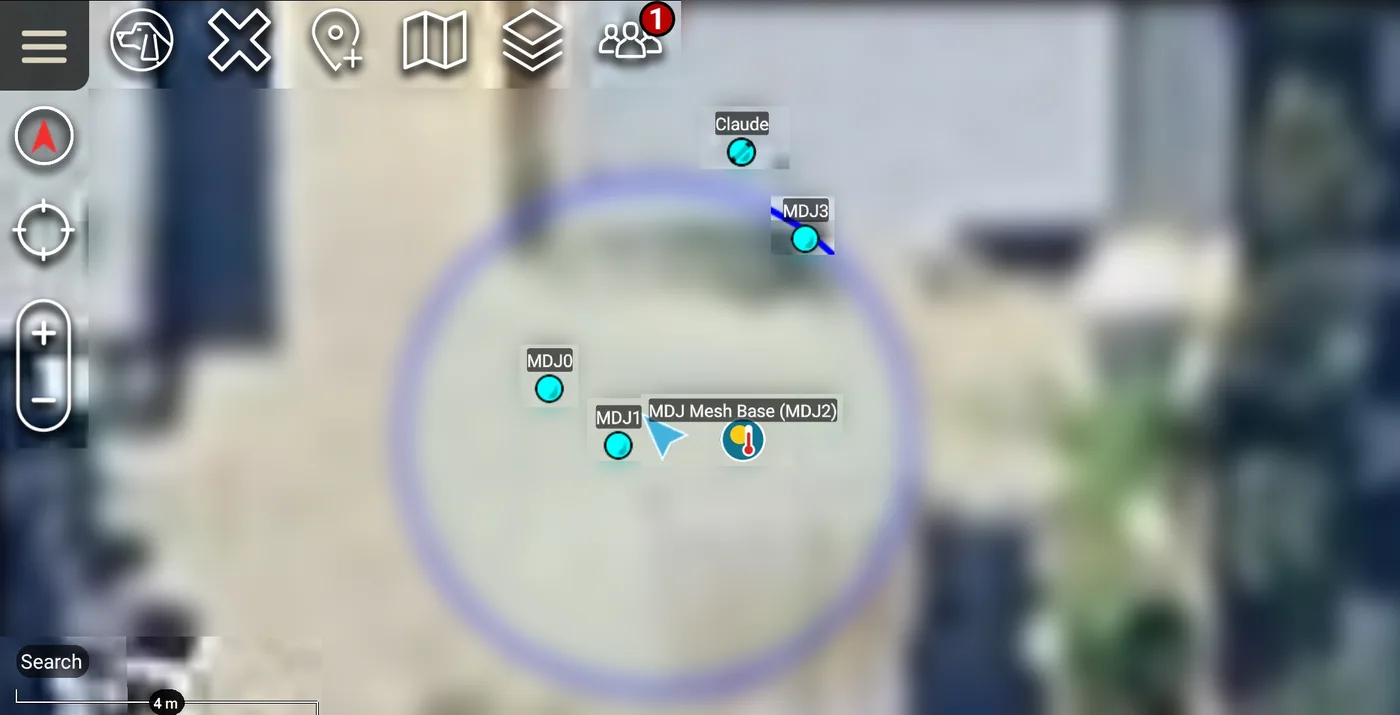
Range depends on height. Handheld to handheld at street level, expect a few hundred feet to about half a mile. A radio on a roof, a lift top or a hill reaches miles.
Small waterproof tags appear as live markers. Remote admin lets us reconfigure a tag over the air.
Team chat crosses between the mesh and TAK, including messages to and from the AI teammate.
Two high-power solar mesh nodes. One goes up high on a pole to stretch coverage across the area. The other is a portable base station that travels with the team into the field.
A TAK app on a rugged smartwatch puts the core of TAK on your wrist: your position on the team map, alerts, quick chat, map markers, and a bearing and distance to whoever you need to find. It speaks the same language as every other TAK device, so it joins our server like a phone does, with its own digital ID, over Wi-Fi or cellular. No phone has to be in the loop.
That matters when your hands are busy. A lifeguard on the sand, a patroller on a lift, a hiker on a ridge, a parent at a crowded event: a glance at the wrist says where your people are, and one press calls for help.
An SOS from the watch lands on every phone in your group, with a marker where you are. The same alert reaches the people who need to know, wherever they are.
Pick a teammate, a mesh tag or a marker, and the watch points the way and counts down the distance, like a compass needle that knows who you're looking for.
When our monitoring decides a human is needed, or a strong quake or a nearby fire comes in, the watch buzzes. You don't have to be looking at a screen to get the message.
The watch can warn its wearer when effort climbs and alert the team if a heart rate goes dangerously high or low. It flags trouble. It isn't a medical device, and readings aren't stored.
Watches, phones and LoRa tags on one map. Where there's Wi-Fi or cell service, the watch talks to the server itself. Past the last tower, the mesh carries the tags.
The same low-power radios that carry a tag can carry a sensor reading, a switch or an alarm, over miles, on almost no power. The radio boards are modular: a core, a base board with slots, and plug-in modules for GPS, sensors or a high-power amplifier, plus spare inputs and outputs. Each build gets only what it needs. If it can be wired, it can be built, and we design them one customer at a time.
Our own weather station is received by radio and shown live on the map: temperature, wind, rain. Tap it for the readings.
A bike that tells the map when it's parked and when it's left. The same idea works for a vehicle, a trailer or a piece of equipment.
A small radio wired to a fence sensor, a gate switch or a motion detector. When it trips, it shows on the map and messages the right phone. No camera required.
Soil moisture, tank and creek levels, greenhouse temperature and humidity, reported from fields and buildings with no cell service or Wi-Fi.
A door contact, a float switch, a pump that stopped, a breaker that tripped. Any sensor with two states becomes a marker that changes when it does.
Sprinklers, lights, gates and pumps switched from your own system, without a smart-home app that only works with one brand and phones home to someone else's cloud.
Ours runs around the clock: a small computer, two receivers for the two aircraft bands, two antennas and an amplifier that pulls in weak signals. We can build one for your site, so the aircraft on your map come from your own sky.
A credit-card-sized computer with its own input and output pins, Wi-Fi and Bluetooth. On its own it reads sensors and switches things. Add a LoRa radio on top and it becomes a gateway or a receiver in a box the size of a sandwich.
Relay modules rated for household AC switch pumps, lights, fans and gate motors, not just signals. High-voltage wiring is done by a master electrician, to code.
Outdoor builds go in sealed, weatherproof enclosures with proper breakouts, solar where it makes sense, and grounding and lightning protection done the way the trade teaches.
A small receive-only computer on the frequencies that matter at your site, turning what it hears into live layers. It's how our aircraft and weather feeds started.
For places that need it, a small computer on your premises that gathers your sensors locally and links back to our server for the map.
We pick the radio for the job. LoRa carries small readings for miles on a battery. Long-range Wi-Fi carries more, like camera snapshots, across a property. Where there's already power and a network, a small computer with its own pins does the job with no extra radio at all.
Every site is different, so every build starts with what's already there: Wi-Fi, Power over Ethernet, an outlet, a fence line, a roof. We use hardware from several makers and choose the parts that fit the job, not one brand's catalog.
This isn't hobby gear. The same small Linux computers and radio boards have run for years in factories, kiosks, farms and industrial gateways. We build with them the way an electrician builds a panel: labeled, sealed and made to last.
Built by a retired electrician who wires things for a living. Tell us what you want to know about, and we'll tell you whether it can be built.
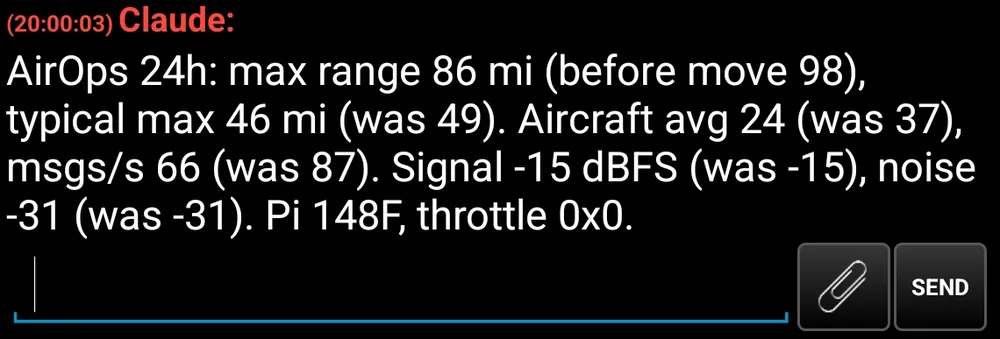
Most AI in the TAK world writes plugin code. Ours is a member of the team. It shows up in Contacts like anyone else, answers typed chat messages, and draws on the shared map when asked. Everyday chat and map requests are handled by a language model on our own hardware; on our own team, Claude takes the harder jobs. Each customer group gets its own assistant, set up before the group goes live, that only sees and draws in that group.
Every layer can be switched off in seconds. Turn the noise down to what the job needs.
| Layer | What it shows | Status |
|---|---|---|
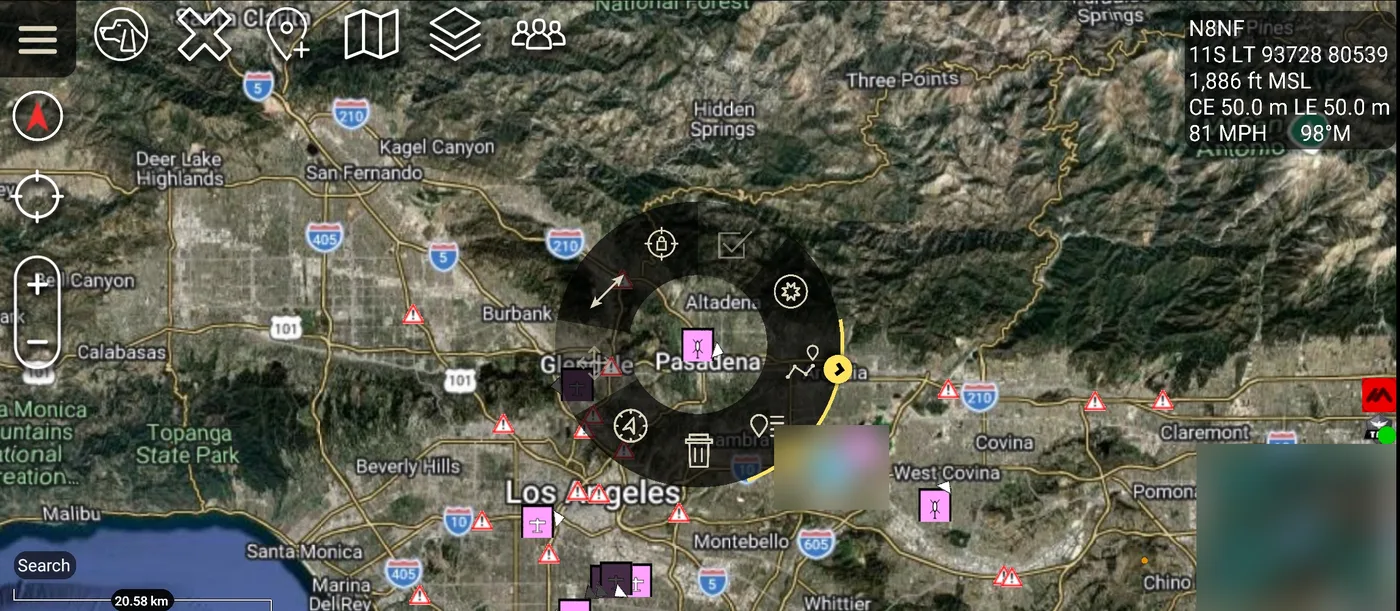
| Aircraft | Live aircraft from our own receiver | running |
| Freeway cameras | Caltrans cameras, most with live video you can play on the map | running |
| Traffic and incidents | Freeway message signs and CHP incidents | running |
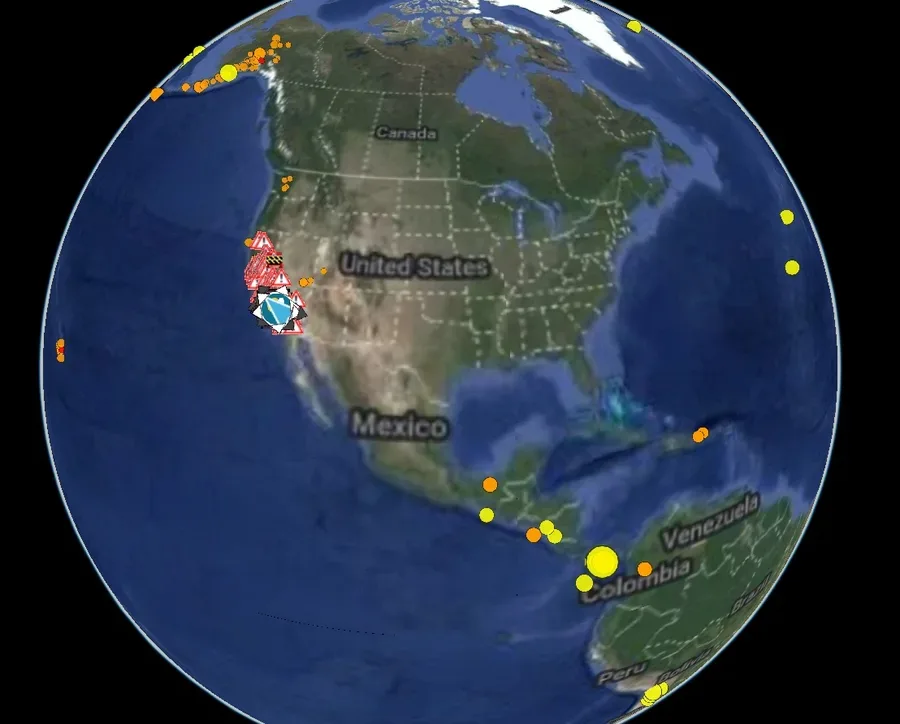
| Fire | CAL FIRE air intel, fire perimeters and models, NASA hot spots | running |
| Earthquakes | USGS quakes by hour, day and week | running |
| Weather | Our own weather station, live on the map | running |
| Fire and quake alerts | Nearby fires and strong earthquakes sent to the team as a TAK message | running |
| Feed status | Our receiver's share to a worldwide flight-tracking network, with links to its live map and stats | running |
| Alerts on the map | When the monitoring system decides a human is needed, the alert lands in TAK | running |
Tell me who you are, what your team does and where you work. I'll reply personally and set you up with a private group and a first training session.
[email protected]Server details and credentials are never posted publicly. They come privately with your setup sheet.